Arcade Input Latency in a Browser: From Button Press to Visible Frame
If a character reacts late, there may be several different causes. It is more useful to separate the event queue, the game loop and rendering than to blame one component.
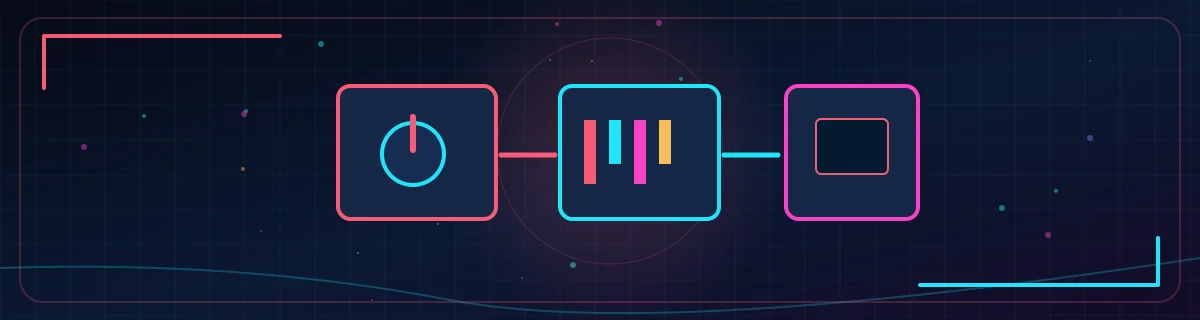
Original illustrative cover created for this article, not a screenshot of an actual game.
A chain of delays, not one number
A slow-looking response is often described as “the emulator lags”. Yet physical input, the browser receiving an event, JavaScript handling it, the game computing a new state, and the new frame reaching the display are distinct stages. A touch interface introduces its own pressed, held and released states.
Two devices feeling different does not mean the original game rules have changed. Refresh behaviour, background tasks, fullscreen mode and the size of the touch controls may affect the experience. An honest review separates those possibilities.
Browser responsiveness is not the same as game latency
The Interaction to Next Paint (INP) documentation separates input delay, event processing and presentation delay for browser interactions. This is a way to assess a page responding visibly to user action; it is not, by itself, a measure of end-to-end game emulation latency.
A cabinet menu appearing immediately does not prove that a game character responds just as quickly inside an emulated title. Similarly, a responsive game does not prove every menu interaction is fast. A useful test plan treats these as separate observations.
A four-stage observation model
The four stages below are an editorial framework, not measured milliseconds from a device. They help a reviewer describe where an apparent delay could enter the path.
Press: the physical or touch input and held-button behaviour. Event: the browser passing input to application code. Game: the emulated game consuming input in its update cycle. Display: the browser and screen making the resulting frame visible. Distinguishing these steps keeps a troubleshooting note precise.
PRESS
A physical or touch control produces input
EVENT
The browser handles the input event
GAME
The emulator applies it to game state
DISPLAY
The next visible frame reaches the player
Reproducible conditions before bold claims
Start with one game, one device, one browser version and one input method. Record orientation, power-saving mode, fullscreen state and whether audio is enabled. Observe menu responsiveness separately from in-game responsiveness; they are not interchangeable results.
Repeat a short action sequence several times. Does the issue only affect touch controls, or the keyboard too? Does it happen on first load or after a long session? Do not treat frame drops as automatically identical to input delay. Without high-speed capture or another reproducible method, avoid publishing exact millisecond claims.
Error messages should explain what failed
A “waiting” label and an actual launch failure do not communicate the same state. Missing files, extra dependencies and emulator incompatibility deserve different explanations. MAME’s documentation of parent, clone, BIOS and device sets illustrates why these categories should not be collapsed into one vague error.
When a web arcade cannot identify the cause of poor responsiveness, explicitly stating the uncertainty builds more trust than asserting that all games work perfectly.
A checklist readers can reuse
Record the game and input method; test the browser menu and game response separately; note fullscreen and device settings; distinguish one-time startup problems from repeated interaction problems. These observations are more actionable than a generic “laggy” label.